I’ve been using Windows computers ever since I first encountered Windows 95 in school. Even at work, I was all about Windows, and the first computer I bought with my winter bonus as a new employee was a Gateway running Windows 98.
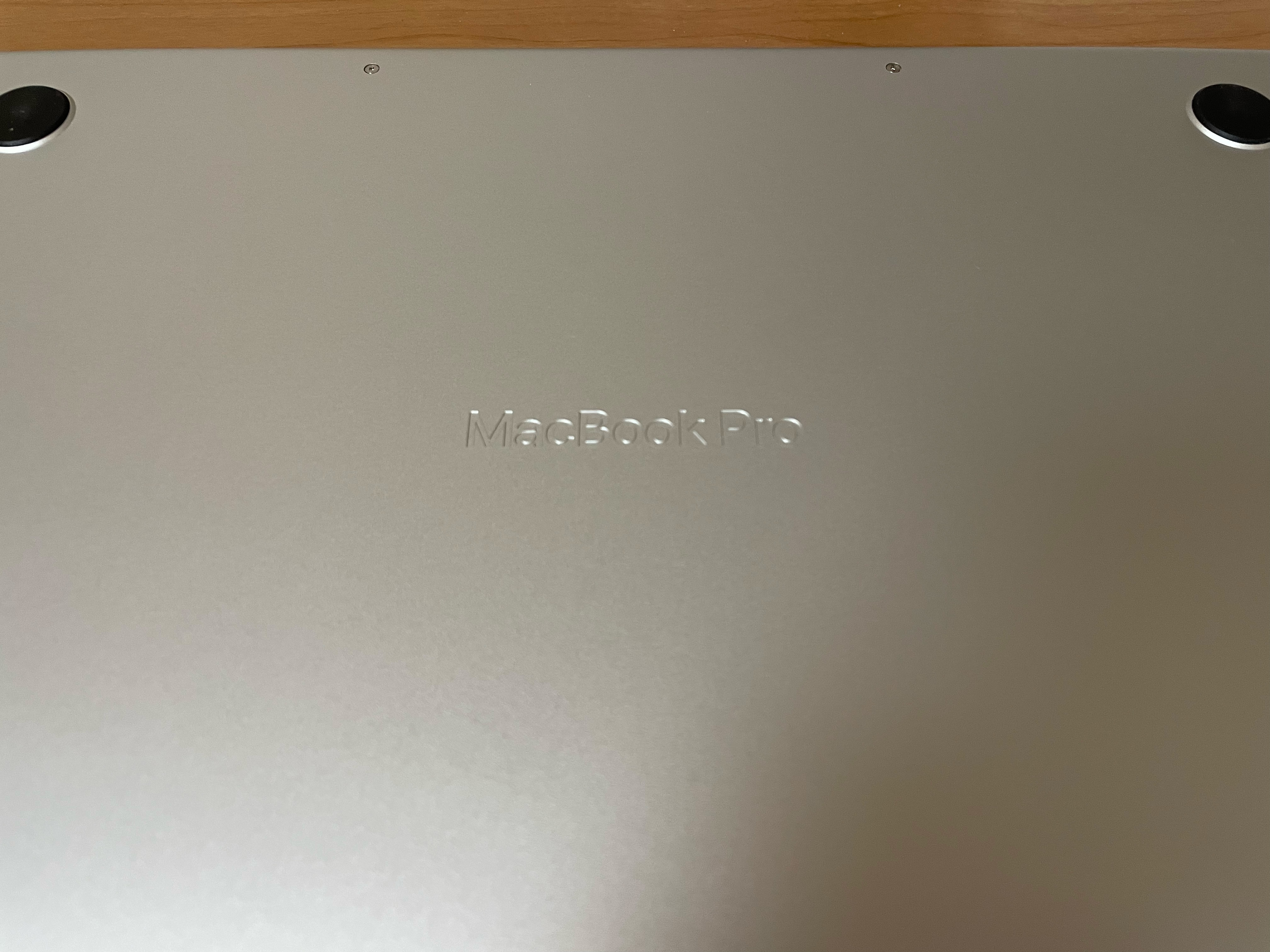
But everything changed in 2012 when I bought my first MacBook Pro. I initially planned to use it alongside Windows, thinking it would broaden my skills. But I found myself fully immersed in the Mac world before I knew it.
Just six months after buying my MacBook Pro, I sold my Dell running Windows Vista. So why did a lifelong Windows user become so drawn to Mac? Here’s what I think makes Mac so great.
Exceptional Stability
With Windows, it’s not uncommon to run into issues. The phrase “It broke even though I didn’t do anything” often holds true because Windows sometimes seems to “break” due to Microsoft’s tweaks.
This is particularly noticeable after a Windows update. And on Windows, installed applications sometimes interfere with the system and cause issues. It feels like so much time on a Windows computer is spent troubleshooting rather than focusing on actual work.
With a Mac, however, it’s rare to encounter any trouble. It just works without any unexpected issues, allowing you to spend most of your time on productive work. Mac apps are built on a robust framework that prevents installed applications from causing problems. Plus, if an app is available on the Mac App Store, it’s been vetted by Apple, adding an extra layer of assurance.
The absence of troubleshooting-related frustration is truly a blessing.
Beautiful Fonts
This is one reason many designers use Macs for their work. In comparison, Windows’s font rendering can be frustrating. On Windows, people often have to use “MacType,” a third-party app, just to make fonts look decent, but even that solution isn’t perfect.
Microsoft might want to give serious thought to improving font rendering. Text created on a Windows machine often looks far better when viewed on a smartphone or tablet. So, if you’re working with text on Windows, I recommend checking it on an iPhone, iPad, or Android device to appreciate its true appearance.
Smooth Integration with iCloud
The seamless integration with iCloud is a huge advantage, especially if you’re using an iPhone. Being part of this ecosystem means everything works together smoothly. Any data you enter on your Mac or iPhone syncs effortlessly across your other devices.
For instance, I’m actually drafting this article on my iPad Pro while commuting by train, using the Notes app. By the time I get home, it’ll already be available on my Mac without me having to do a thing. Windows just doesn’t offer this kind of ease.
Many Mac apps also make full use of iCloud, so apps for macOS, iOS, and iPadOS offer a high level of functionality and quality.
In terms of storage, iCloud offers good value with various plans, from 50GB to 12TB, making it suitable for everyone from individual users to professionals.
Once you experience the convenience of iCloud, it’s hard to go back.
In Conclusion
I could list so many more reasons, but I’ll stick to these three basics. Macs may be pricier than Windows PCs, but I believe they’re worth it.
The MacBook Air is a more affordable entry point, and for most people, it’s more than enough in terms of performance. If you’ve only ever used Windows, give a Mac a try—you might be pleasantly surprised!